

OData Integrations
Are you looking to create custom reports and analytics for your ProjectManager.com data? ProjectManager.com offers a read-only OData feed integration that can be used to connect with applications compatible with the OData specification.
This means that if you’re an Excel or Microsoft PowerBI user, you can save yourself some time and import your ProjectManager.com data directly into your data application, without any programming or any custom scripting.
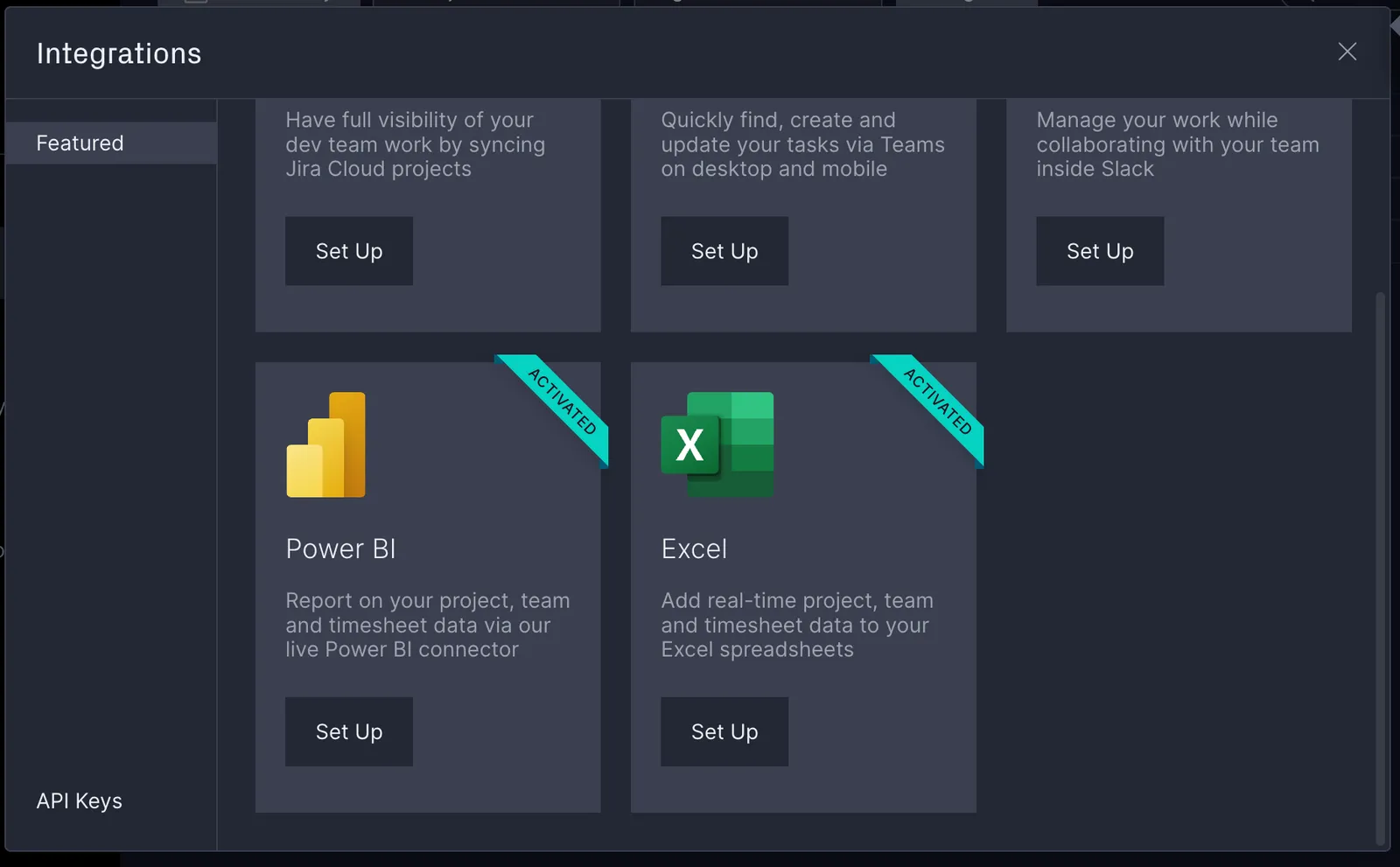
Connecting an OData integration
OData is a technology that defines a protocol for accessing metadata and information. A program that supports the OData protocol can retrieve data directly from your ProjectManager.com workspace.
To integrate with OData, you must have the following requirements:
- A business or enterprise edition subscription, or a trial workspace with these features enabled
- The email address of a global admin level user within your workspace
- An API key created by this user
The information you need to integrate with OData is the following:
- OData Feed URL:
https://api.projectmanager.com/api/data/providers/odata - Authentication:
HTTP Basic - Username: the email address of the global admin user that created the API key
- Password: the API key
The ProjectManager.com OData data model
The ProjectManager.com team regularly adds support for new data types and models. For the latest detailed breakdowns on the data available via OData, see The ProjectManager.com OData Feed data model or contact support at https://www.projectmanager.com/support.
Program-specific tutorials
The ProjectManager.com team has prepared the following tutorials for specific programs that support OData:
Note that the ProjectManager.com OData integration is read-only: It cannot change any data within your workspace, so you can experiment with it without worrying about accidental changes to your data.